LinkedIn
 Takes
Takes
Free Mac app · works with Claude Code
Read your script off the teleprompter and star the best take. Claude Code cuts the edit and writes the posts.
 New take added!
Storyboard → Record → Post
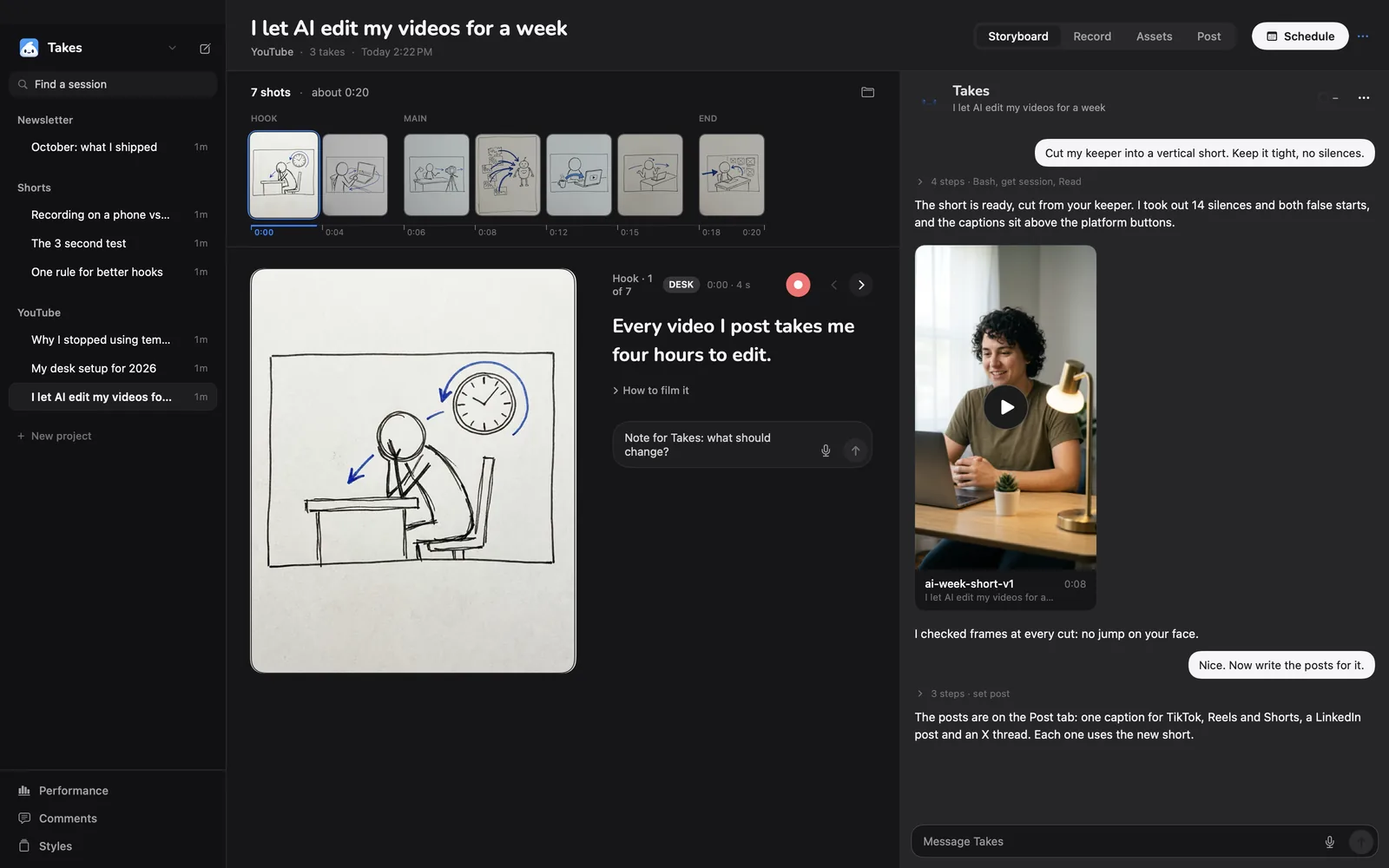
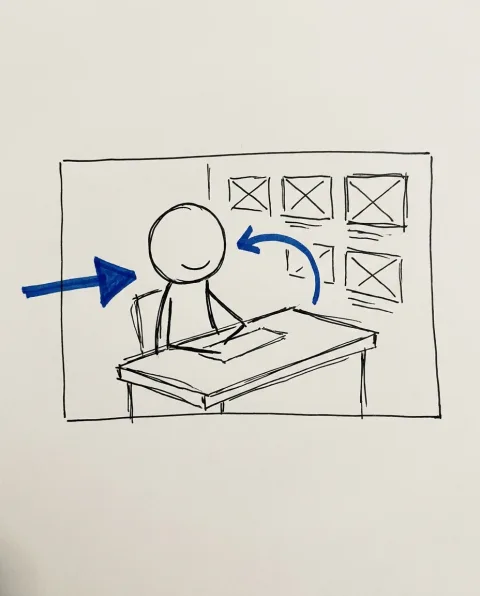
Claude writes the script and sketches every shot. Each shot shows its line, how to film it and a Record button.
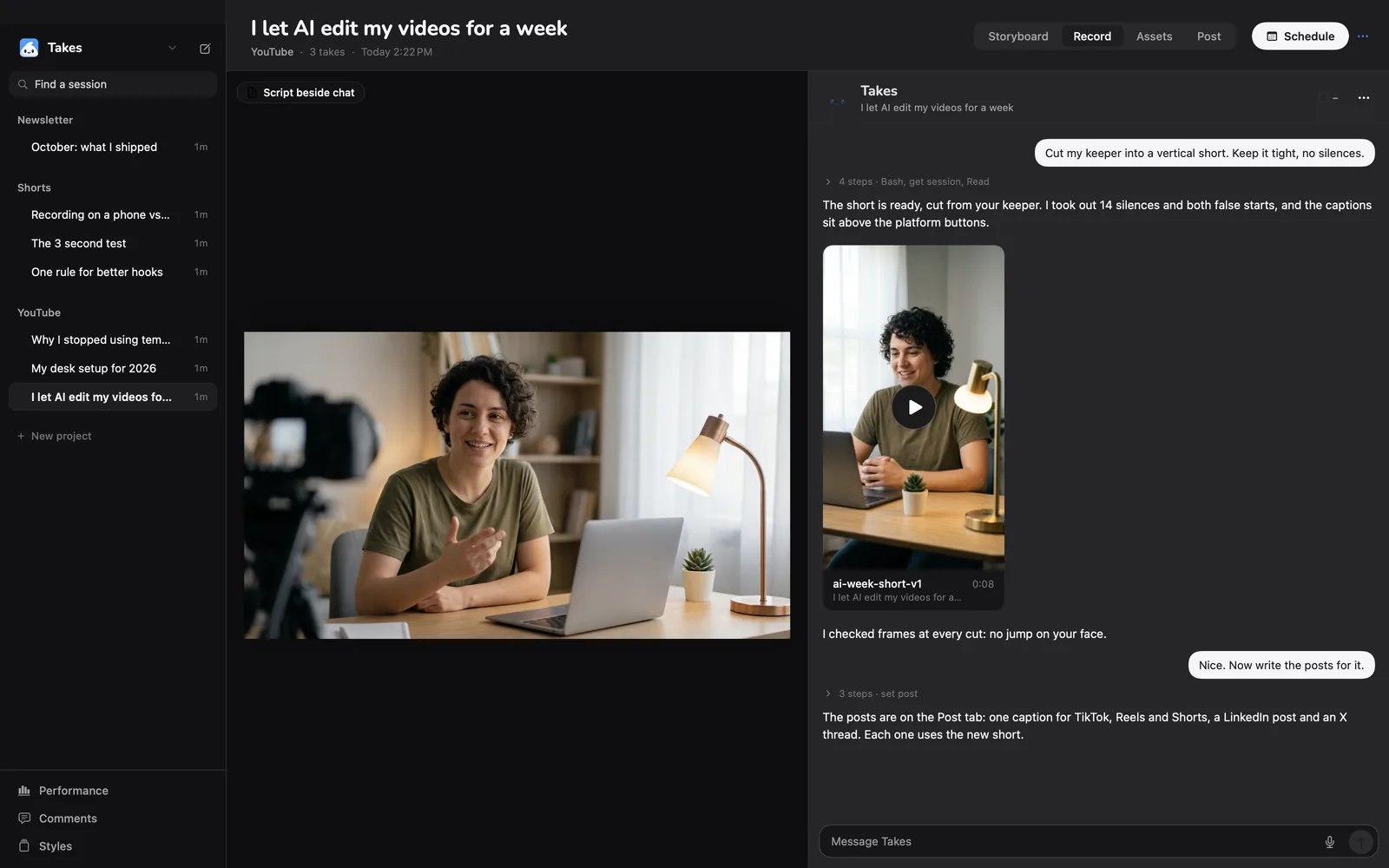
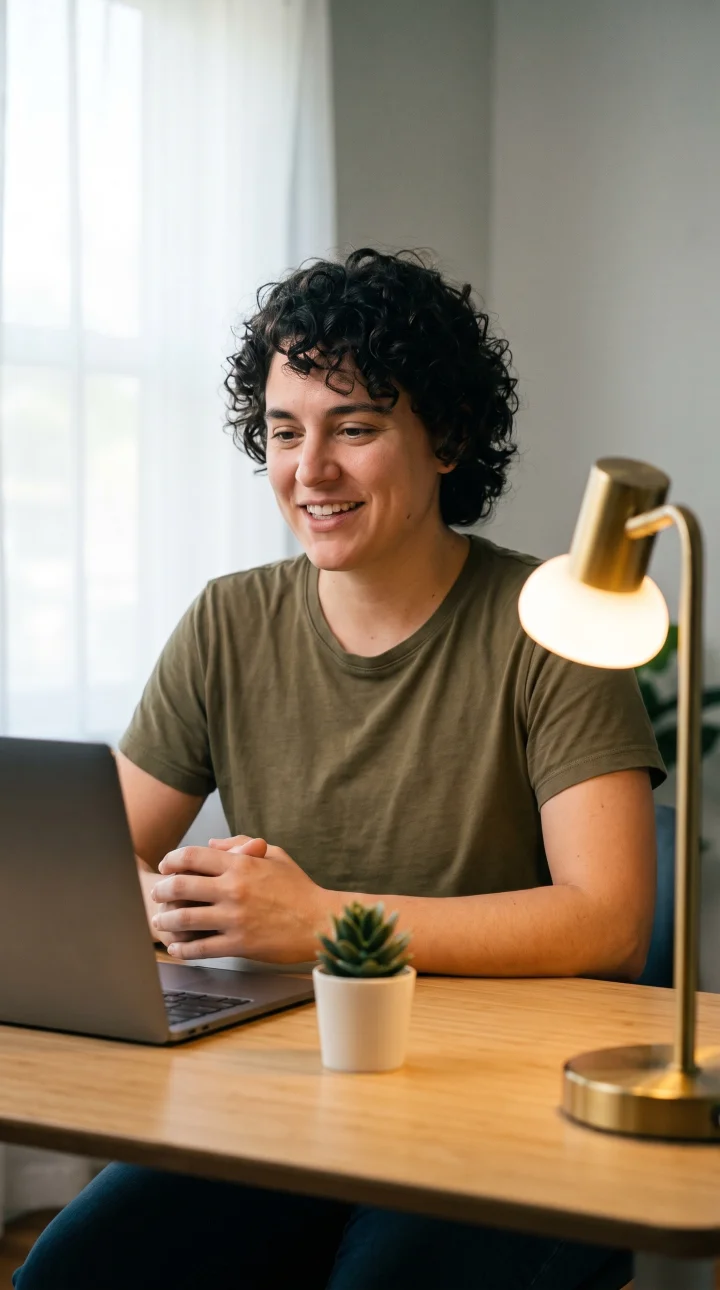
A teleprompter sits beside the camera. Pick a hook, read a variant, star the keeper. Camera and screen record as two synced files.
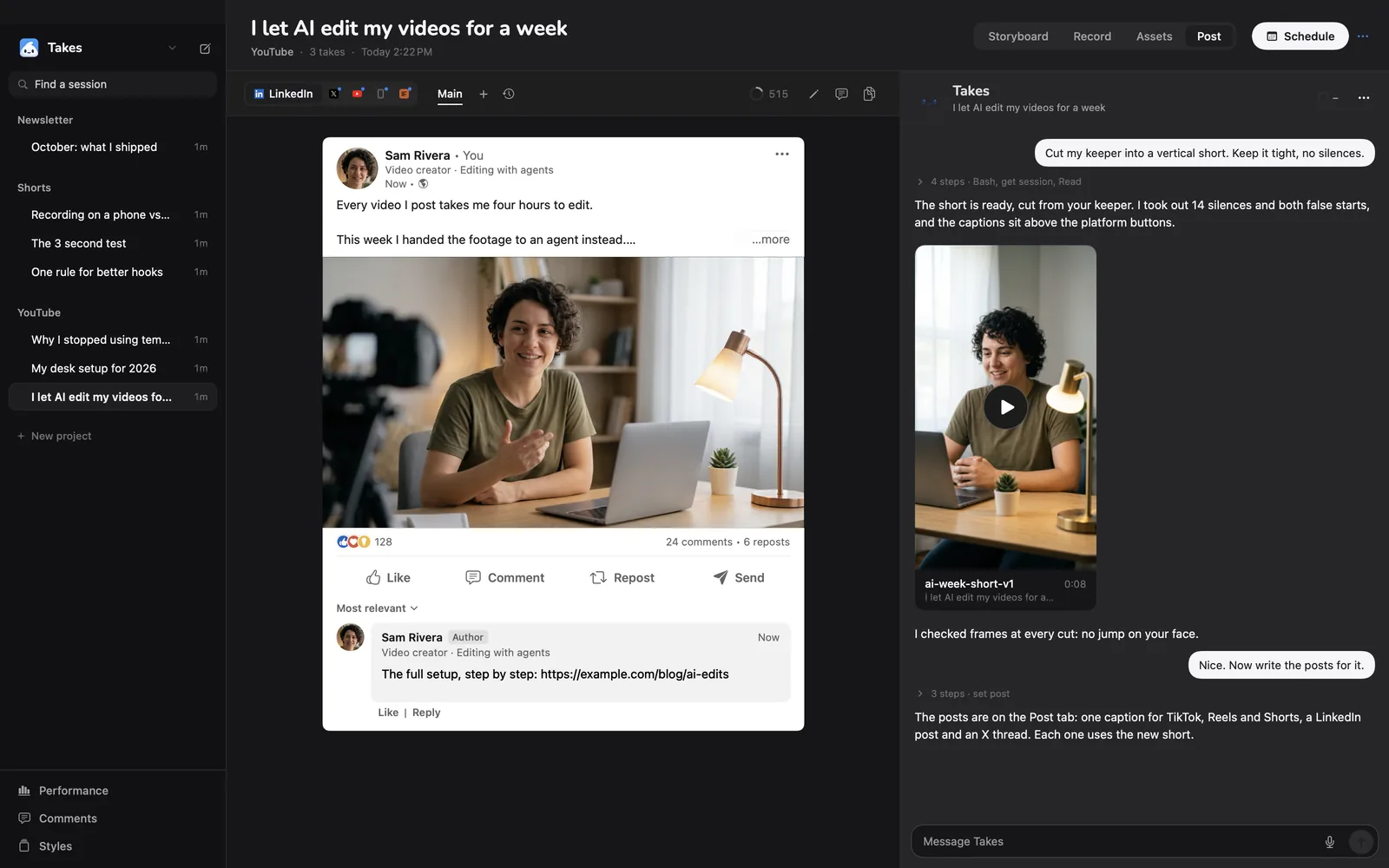
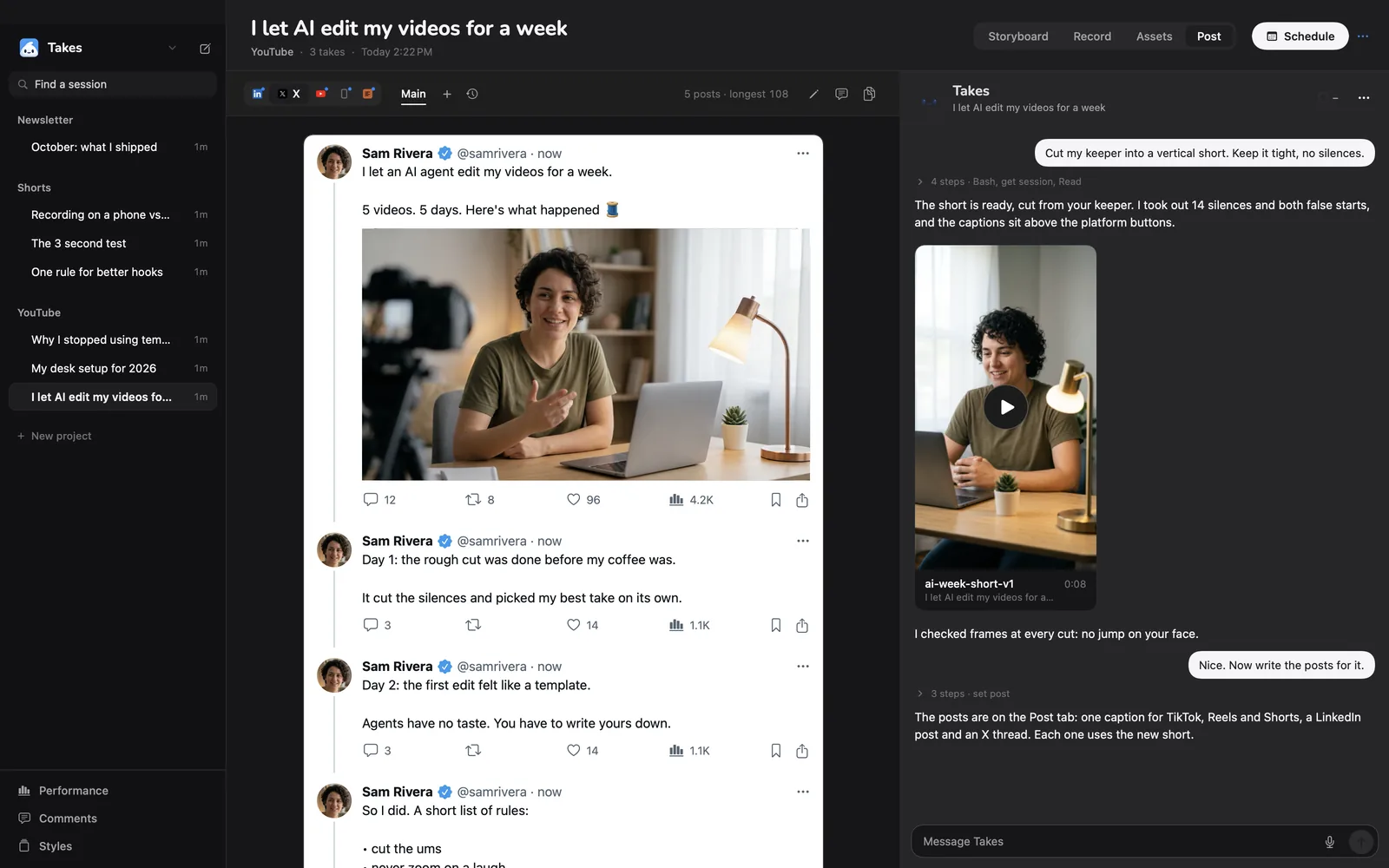
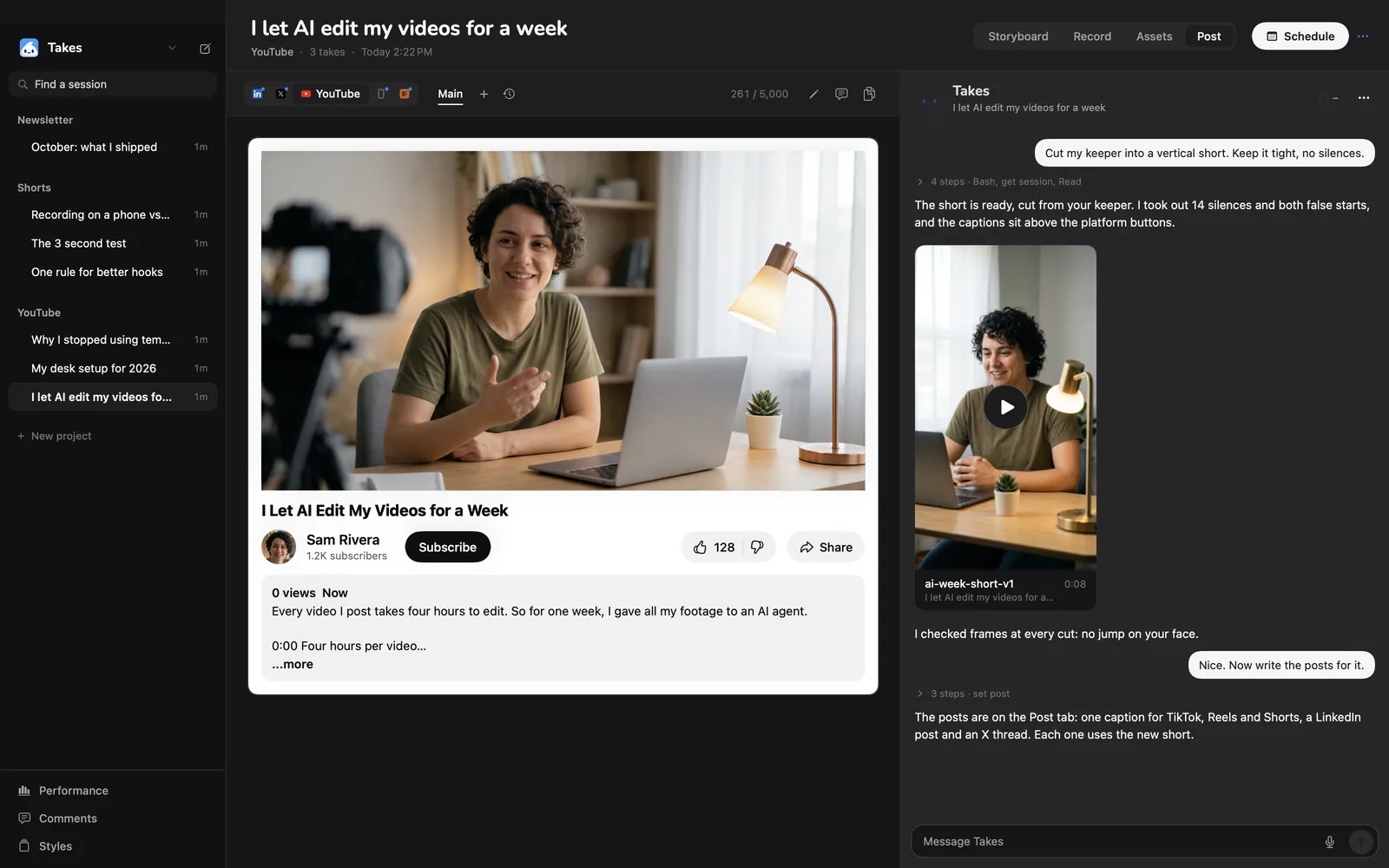
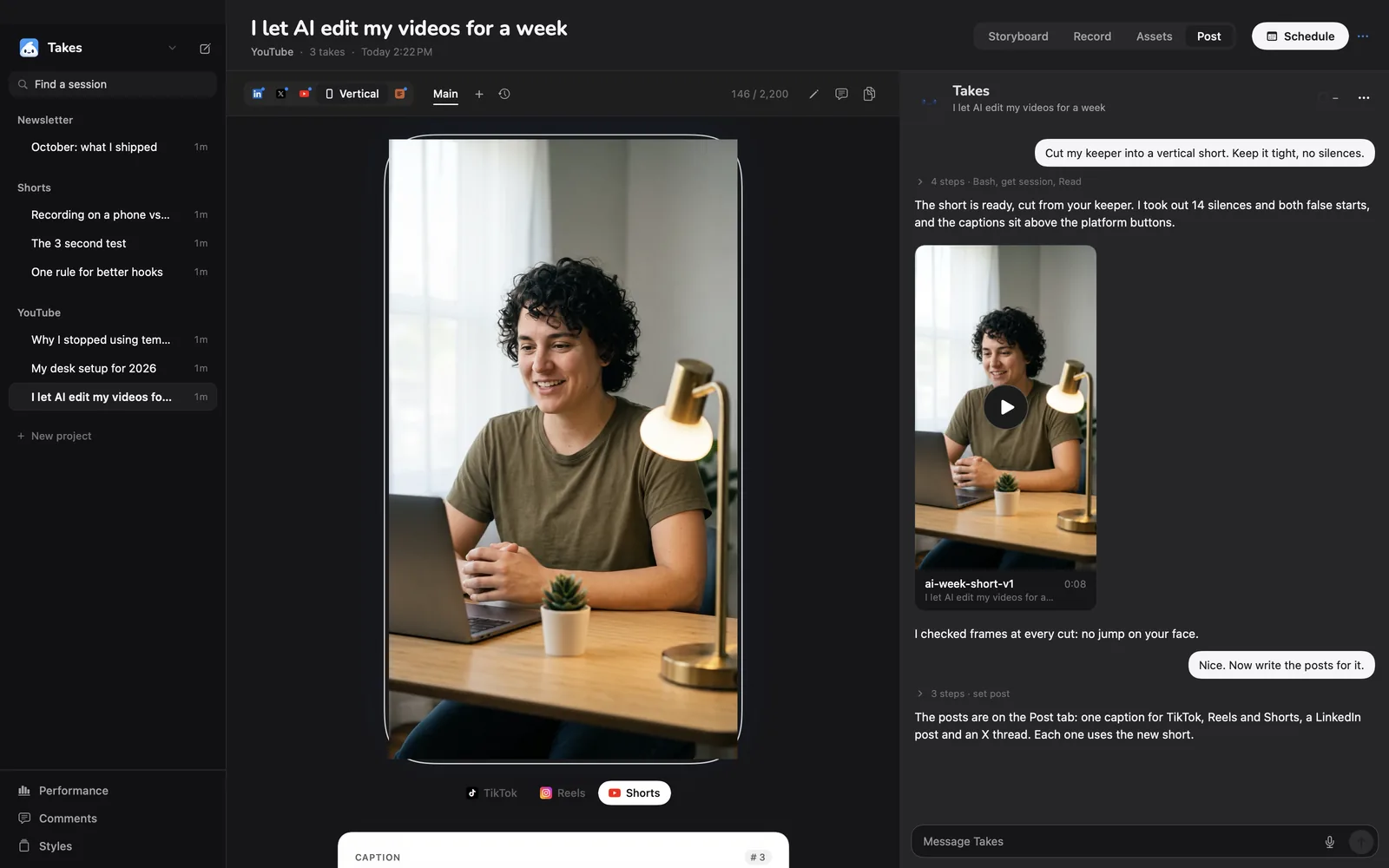
One draft per platform, shown the way that platform shows it. Variants, opening hooks, history and a schedule.
Storyboard
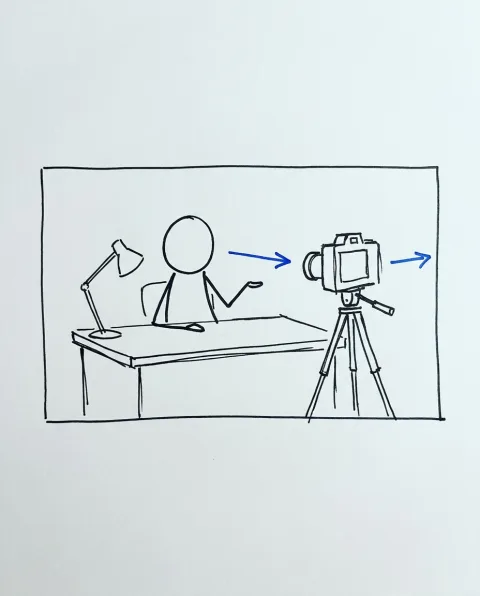
Ask for a storyboard and Claude splits the script into shots, then draws each one in marker. You see the hook, the middle and the end before you film a frame.
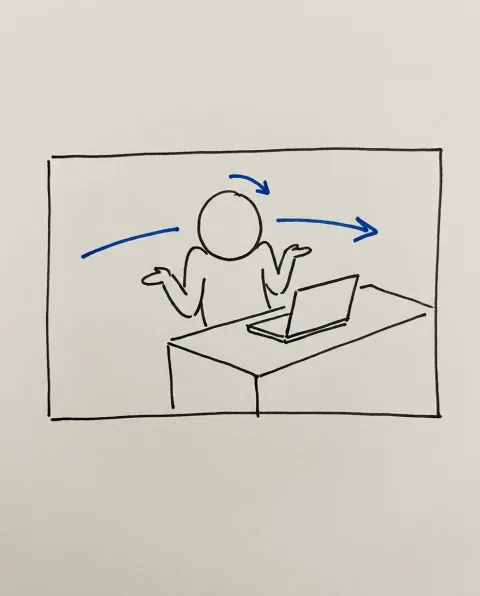
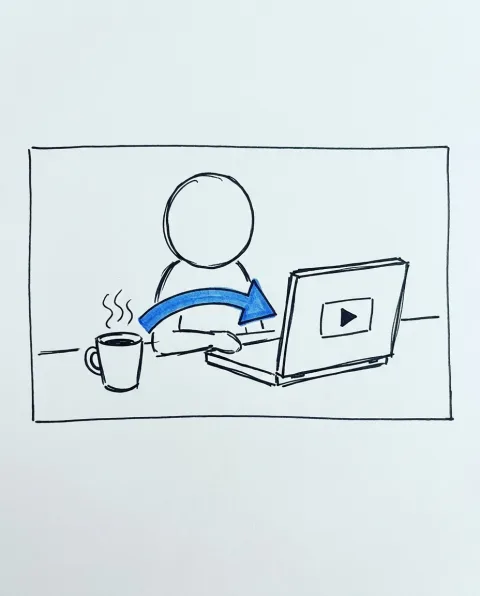
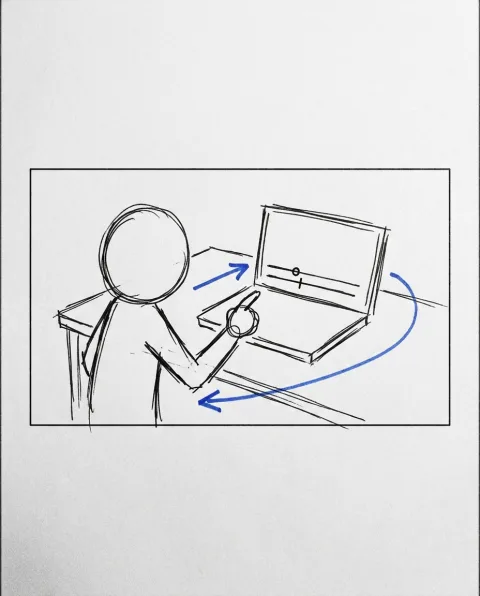
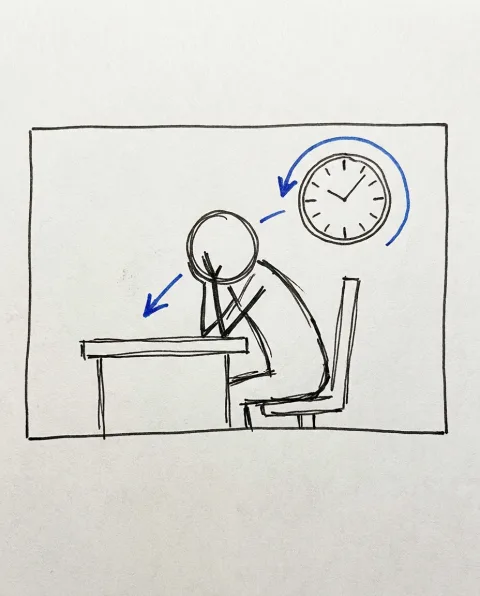
The chat
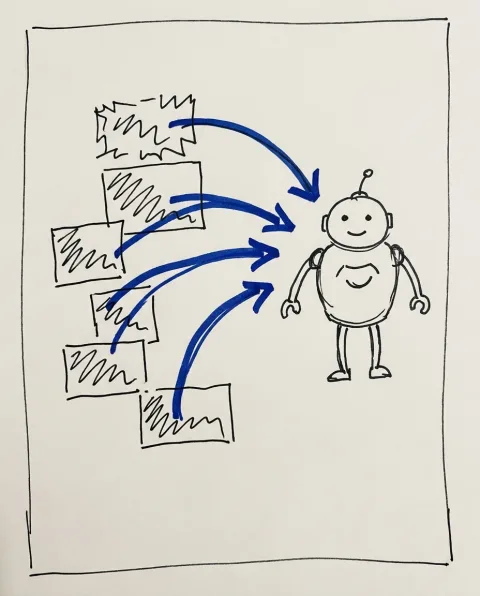
Takes has a Claude Code chat built in, next to your takes. It reads the same folders the app writes, so it knows the script, the keeper and the posts. Use the chat in the app or Claude Code in any terminal.
Post
You review the real thing, not a text box. Line breaks, the "more" cut-off, the thumbnail and the caption all sit where the platform puts them.

In the app
It scrolls while you record. Space pauses, the arrow keys change the speed.
Claude writes a few openings. You pick one and read it.
Two files that start on the same frame. Any camera works, Continuity Camera too.
Scripts and posts keep every version. Go back to any of them.
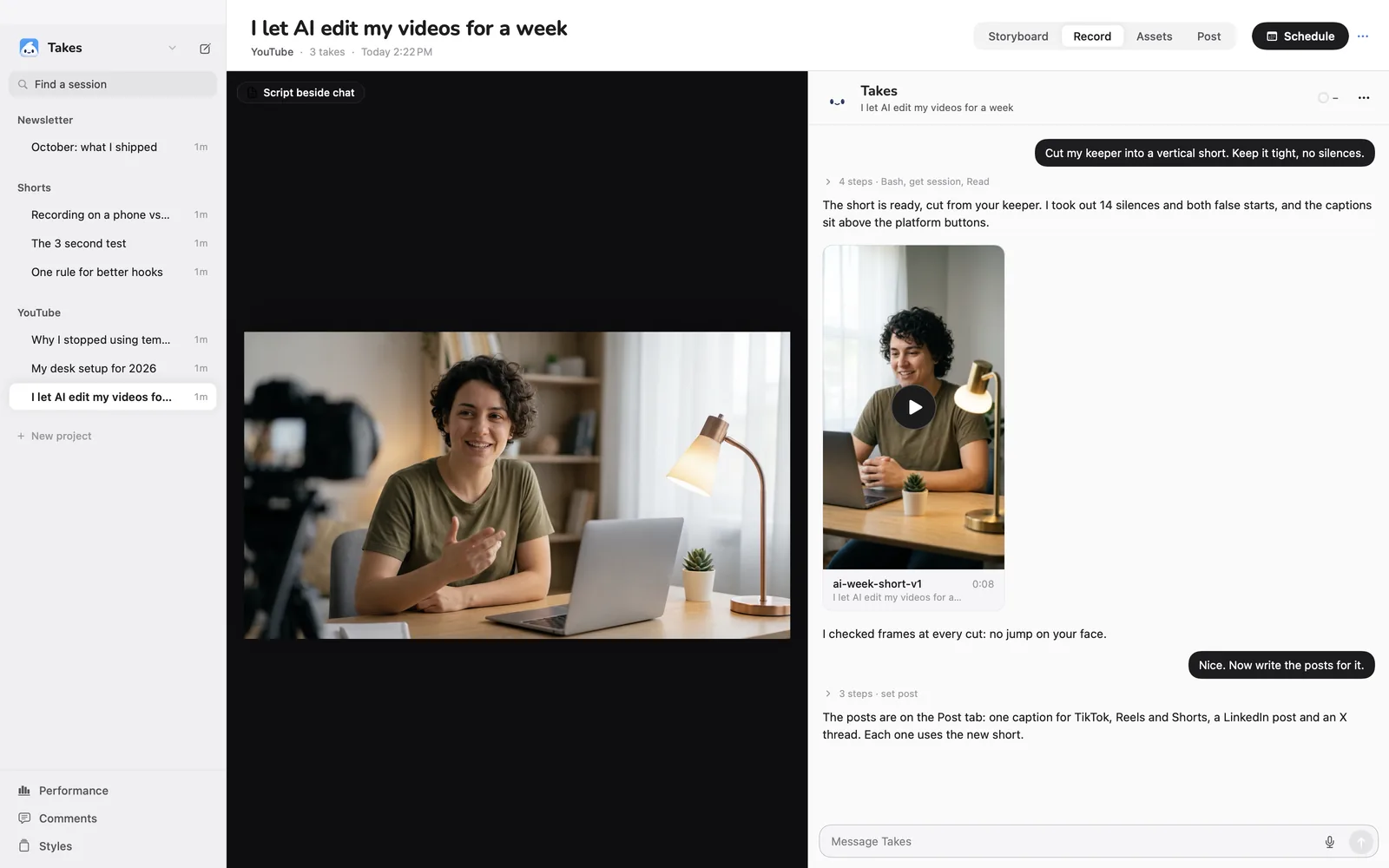
Drag the handle. Settings › Appearance has more palettes.
How it works
Takes records into ~/Movies/Takes. Claude Code reads and writes the same files through the takes MCP server. When a file changes, the app updates. Nothing lives in a cloud you can't open.
Takes.apprecord · reviewGet started
It installs Takes, ffmpeg and Claude Code if you don't have them, signs you in to Claude and opens the app. Run it again to update.
Downloading Takes…
Takes is in /Applications.
Downloading ffmpeg…
ffmpeg is in ~/.local/bin.
Installing Claude Code…
Claude Code is signed in.
Done. Opening Takes.
brew install ffmpeg, then ./build.sh install.Questions
Takes is free and the code is public. The AI part runs on your own Claude plan through Claude Code, so Takes never sees a bill or an API key.
Apple has not notarized Takes. If you download the .dmg in a browser, the first open is blocked: open System Settings › Privacy & Security and click Open Anyway. The Terminal line skips this, because files that curl downloads don't get the quarantine flag.
Into ~/Movies/Takes on your Mac, as plain folders: one per project, one per video. Scripts are Markdown, takes are .mov files, edits sit in an edits folder. Back them up the way you back up anything else.
Yes. On its first launch Takes adds the takes MCP server and two skills to Claude Code. Then ask in any terminal: "storyboard my next Takes video" or "cut my last take".
There is one in the repo. You build it yourself with your own Apple developer team, for now.
Takes is a personal tool, shared as is. A bot closes pull requests and there is no support. Fork it and make it yours, and say hi in Discussions.